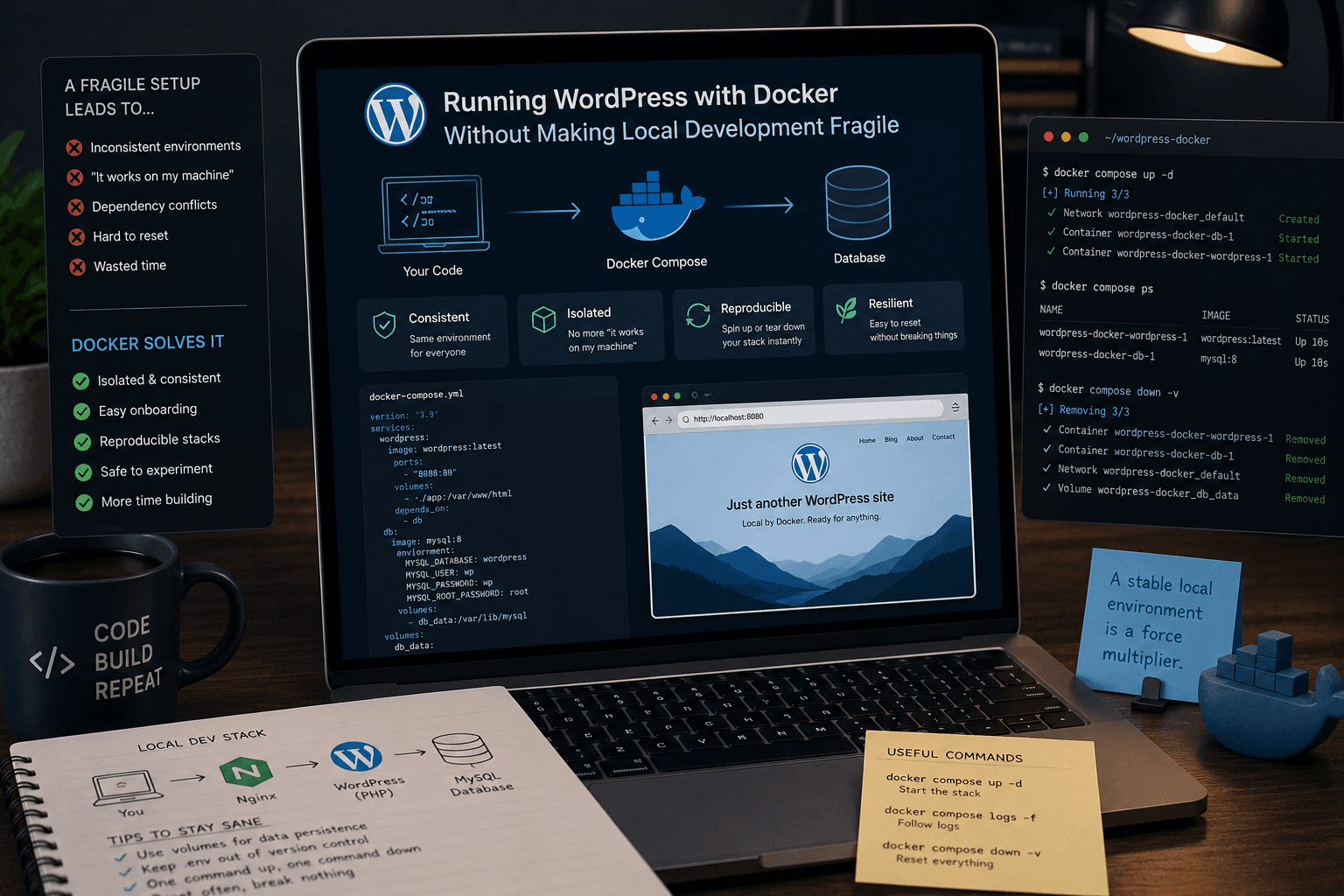
Running WordPress with Docker Without Making Local Development Fragile
Docker becomes useful for WordPress the moment you stop thinking of it as a DevOps badge and start treating it as a reproducible local environment. WordPress needs PHP, a web server, and a database. Docker lets you define those moving parts once and recreate them on any machine without rebuilding the whole stack by hand every time.
TL;DR / Written for skimmers
Docker packages an application and its runtime dependencies into containers so that the environment is predictable. For WordPress, that means you can define the app container and the database container once and then stop relying on whatever happens to be installed globally on your machine. A WordPress project usually needs multiple services running together: PHP, Apache or Nginx, MySQL or MariaDB, and often extras like Mailpit, phpMyAdmin, or Redis. Installing and aligning those manually is where local environments become brittle. A Compose file is just a list of services and the relationships between them. For a small WordPress setup, you usually need a `wordpress` service, a `db` service, named volumes for persistent data, and environment variables for credentials. The healthiest Docker setups are the ones that remain boring. Keep service names clear, pin image versions intentionally, persist database data with volumes, and document the small commands your future self will forget.
What Docker is in plain language
Docker packages an application and its runtime dependencies into containers so that the environment is predictable. For WordPress, that means you can define the app container and the database container once and then stop relying on whatever happens to be installed globally on your machine.
That predictability is why Docker is so useful for teaching and for teams. It reduces the phrase it works on my machine from an annoying joke to a rare event.
Why WordPress benefits from containerized local development
A WordPress project usually needs multiple services running together: PHP, Apache or Nginx, MySQL or MariaDB, and often extras like Mailpit, phpMyAdmin, or Redis. Installing and aligning those manually is where local environments become brittle.
Docker Compose gives you one place to describe that stack. The application becomes easier to start, easier to reset, and easier to share with another developer.
The minimal mental model for a Compose setup
A Compose file is just a list of services and the relationships between them. For a small WordPress setup, you usually need a `wordpress` service, a `db` service, named volumes for persistent data, and environment variables for credentials.
Once that file exists, your daily workflow becomes much simpler: `docker compose up -d` to start, `docker compose ps` to inspect, and `docker compose down` when you want to stop the environment. The setup becomes a documented system instead of tribal knowledge.
What makes a Docker-based WordPress setup healthy over time
The healthiest Docker setups are the ones that remain boring. Keep service names clear, pin image versions intentionally, persist database data with volumes, and document the small commands your future self will forget.
When Docker improves clarity instead of performing complexity, it becomes exactly what local development needs: a reliable machine for recreating the same WordPress stack on demand.